
Analyst
What changed on your site this week
Connect Google Analytics and Search Console once. Every hour the Analyst turns your numbers into a short read and up to three moves worth doing, broken tracking first.
For online business owners
Your website's Google Analytics and Search Console numbers in plain words, guides to improve it, and a team when you want one.
 Open the web app
Free · The Android app is on Google Play · It also works in any browserFree · In Safari, tap Share, then Add to Home ScreenFree · One account on your computer and your phone
Inside the app
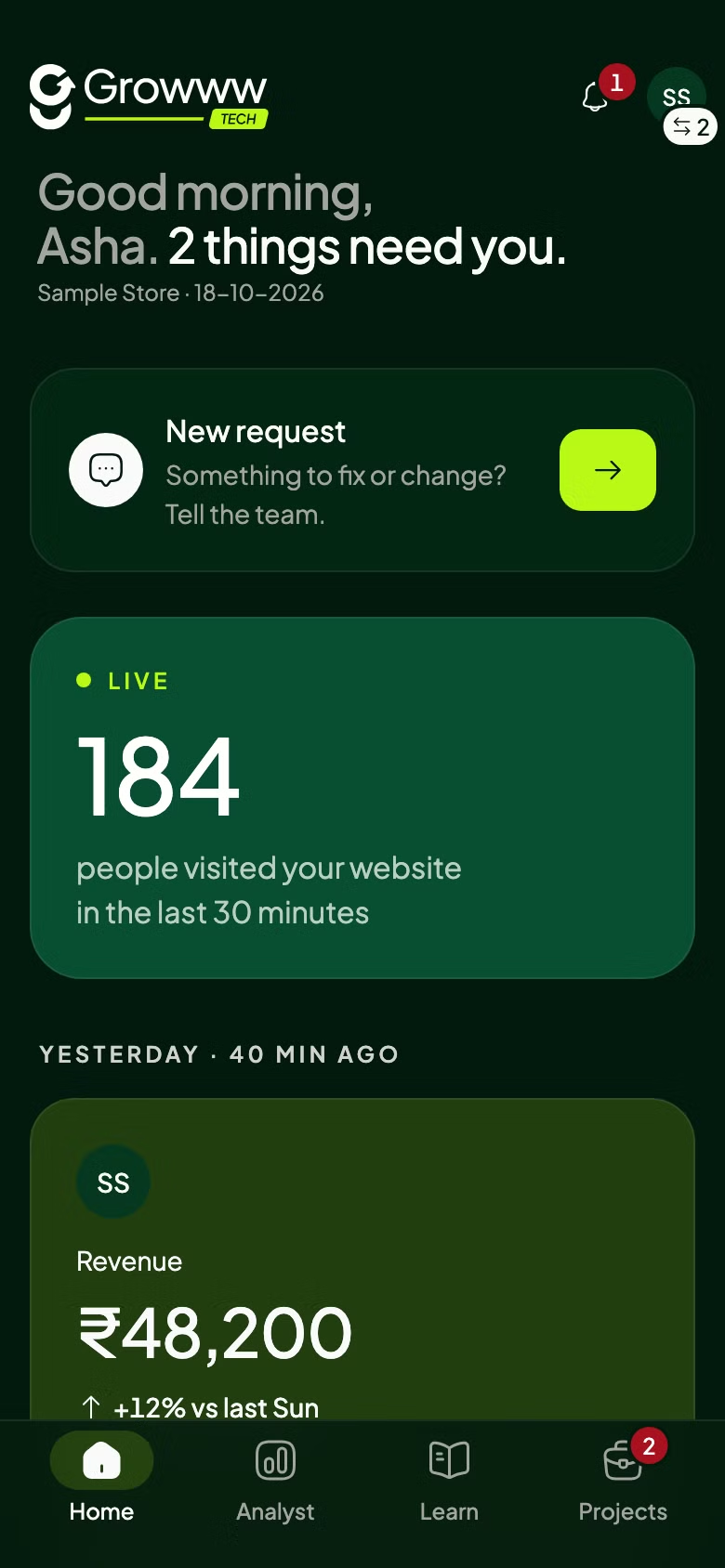
Growww Foundry reads your Google Analytics and Search Console every hour, then says what changed and what to do next. Nothing is estimated, and nothing is predicted.
Free. One account works on your phone and in your browser.
Open the web appOne app, three tabs
Built for anyone with a website or an online store, not only Growww Tech clients.
Analyst
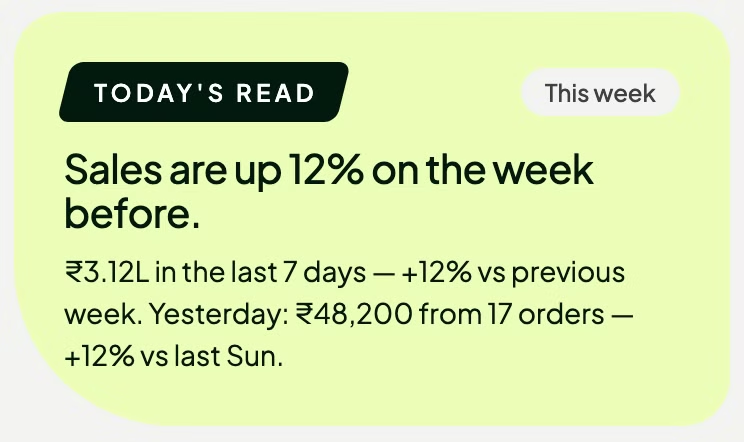
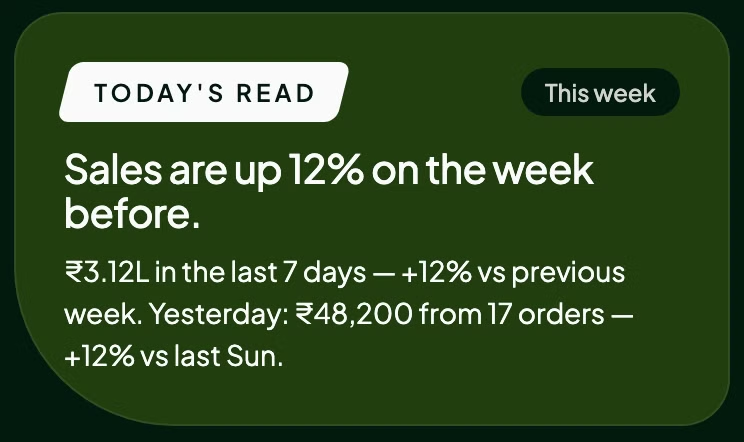
Connect Google Analytics and Search Console once. Every hour the Analyst turns your numbers into a short read and up to three moves worth doing, broken tracking first.
Learn
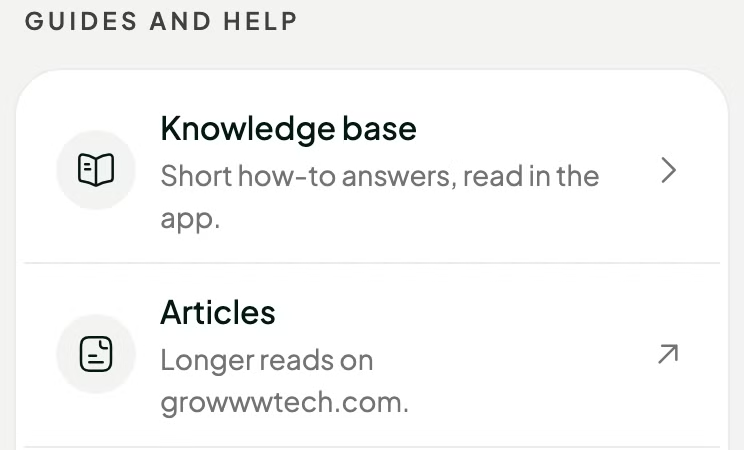
Short guides inside the app, plus our articles and videos, including step-by-step tracking setup for Shopify, WooCommerce or any other website.
Projects
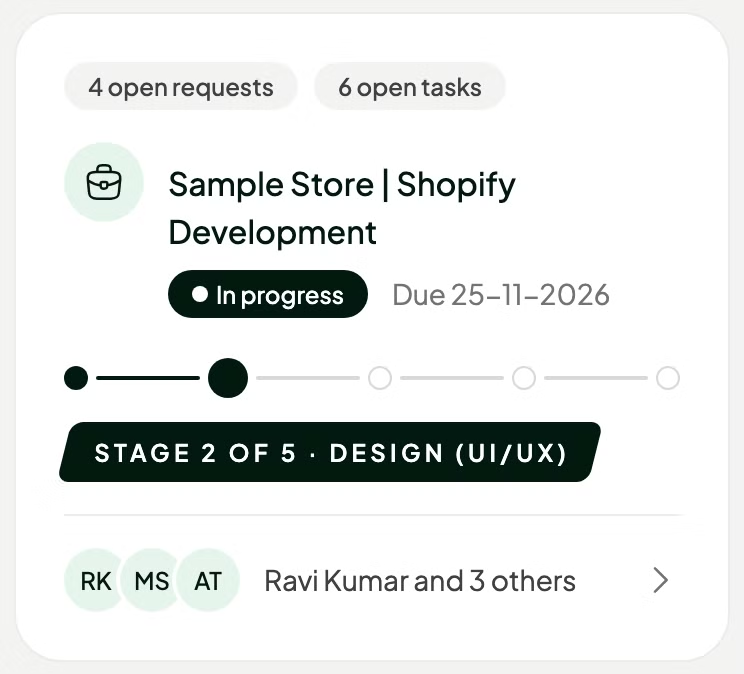
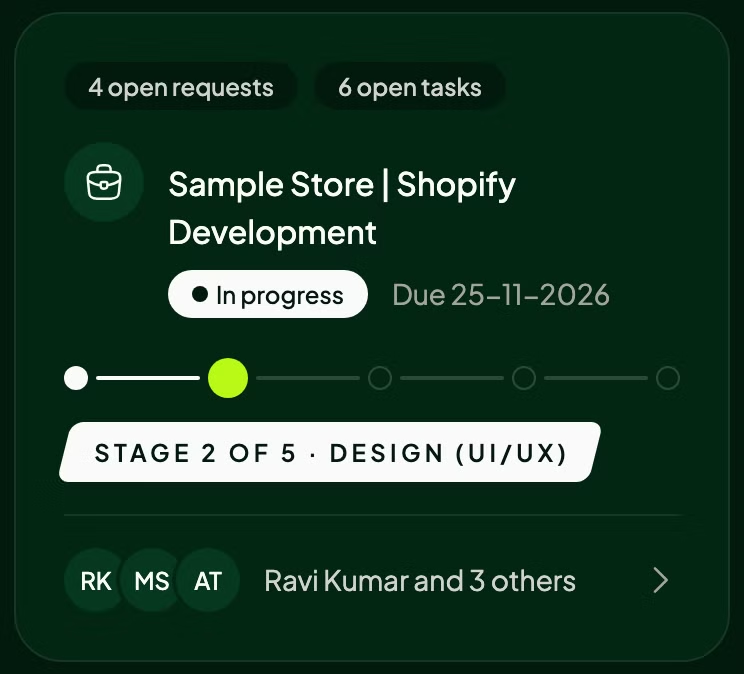
Hire the Growww Tech team for the job, then follow it in Projects: see every stage and task, send requests and answer questions.
The whole app is free. Work you hire the Growww Tech team for is quoted separately, by email.
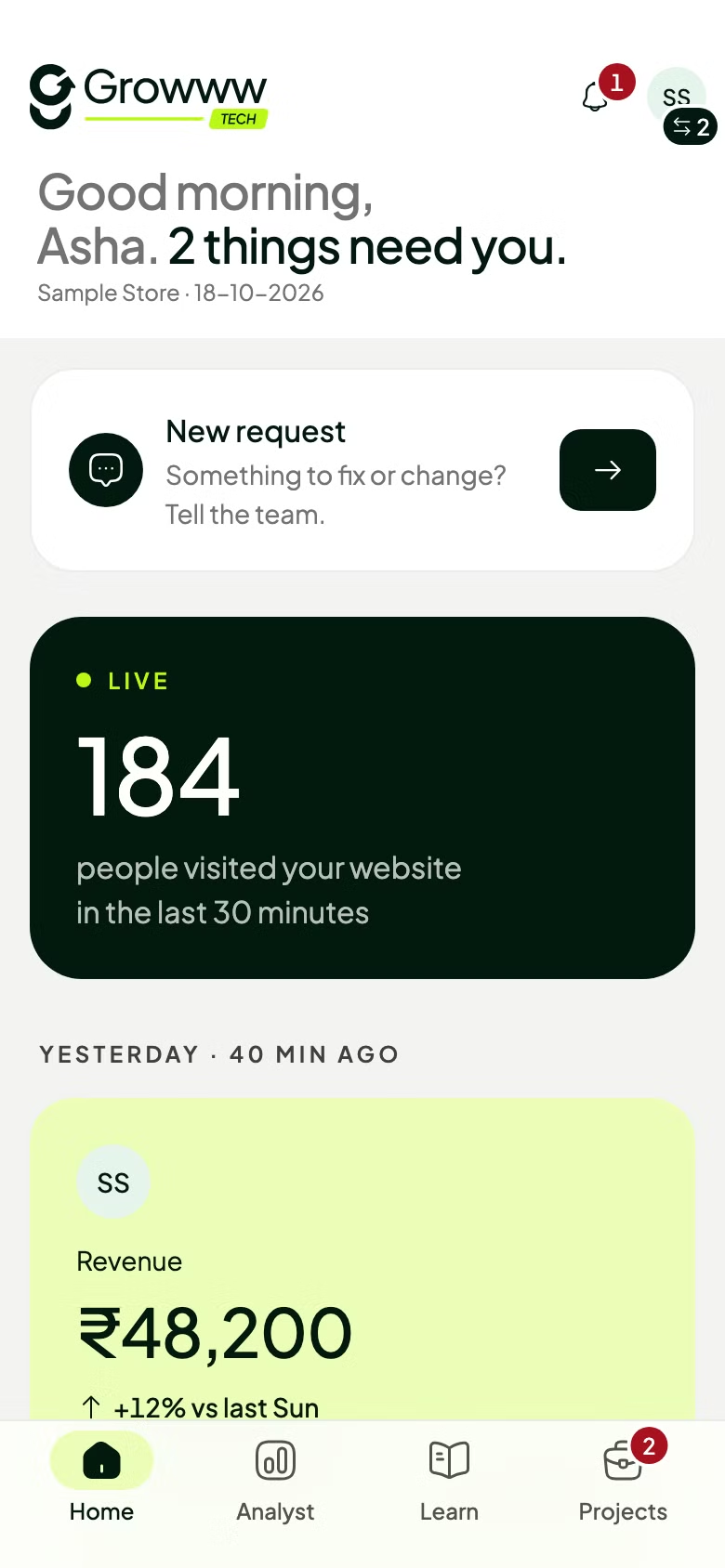
App screens from a sample store.
Your Google data
Read-only access. Nothing is written to your website or your Google account.
Google Analytics. For the one property you choose: daily visits, orders and revenue, where visits come from, your best-selling products, the shopping steps from product view to purchase, and how many people are on your site right now.
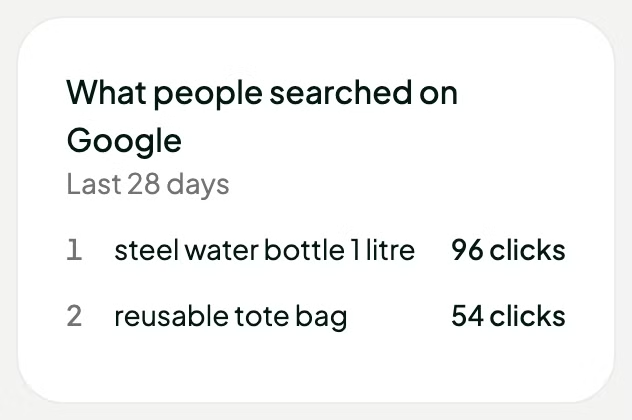
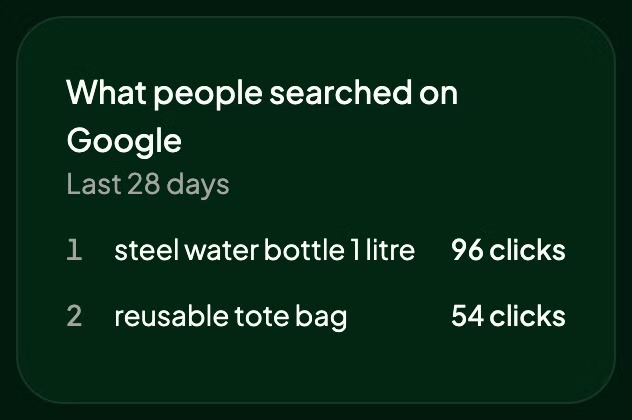
Search Console. For your site: daily clicks, impressions, click-through rate and average position, and your top 10 searches.
Why. Only to show you your own numbers on Home and to write the Analyst's read. Every figure is a total for your whole site: we never ask Google for your visitors' or buyers' names, emails or phone numbers.
Stop any time. Tap Disconnect in the app, or remove Growww Foundry at myaccount.google.com/connections. Your tokens and stored numbers are deleted.
Growww Foundry's use and transfer of information received from Google APIs will adhere to the Google API Services User Data Policy, including the Limited Use requirements.
Free. One account works on your phone and in your browser.